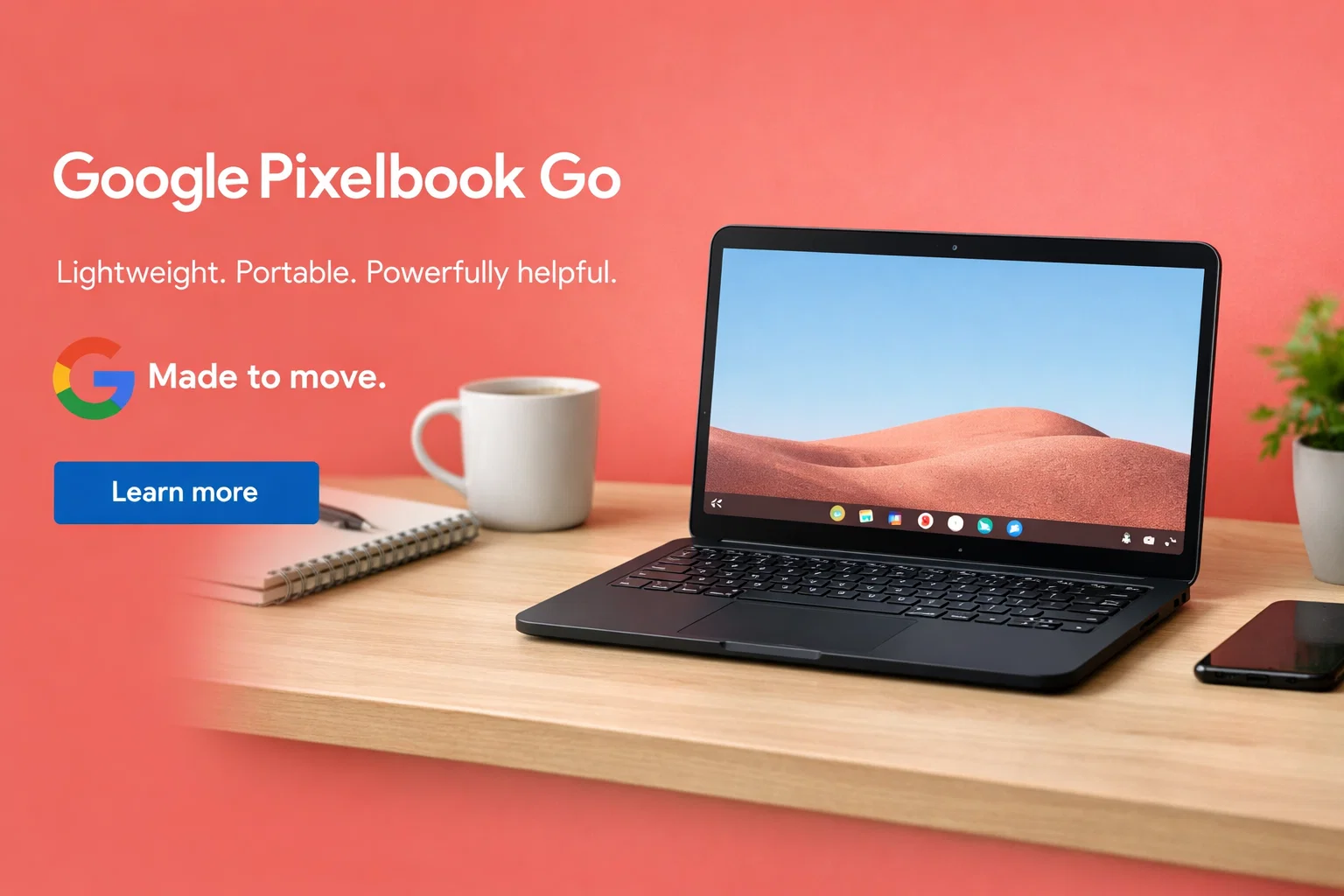
The Google Pixelbook Go is a lightweight and simple laptop designed for users who want speed, portability, and ease of use. Unlike traditional Windows laptops, the Pixelbook Go runs on Chrome OS, which focuses on cloud-based work, web apps, and smooth everyday performance.
This laptop is ideal for students, writers, teachers, and anyone who spends most of their time browsing the web, watching videos, using Google apps, or working online. In this article, we will explore the design, display, performance, battery life, features, pros, cons, and who should buy the Google Pixelbook Go.
Design and Build Quality
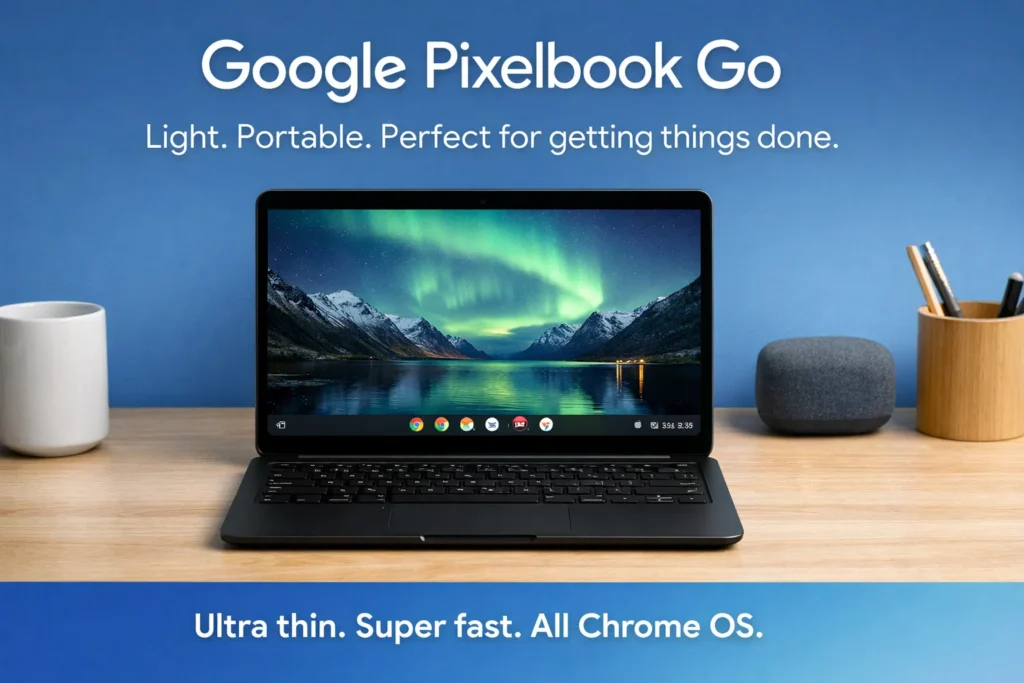
The Google Pixelbook Go has a clean and modern design. It is thin, lightweight, and very easy to carry. The laptop feels solid despite being light, and its soft-touch finish gives it a premium feel.
One of the best things about the Pixelbook Go is its weight. It is extremely portable, making it perfect for travel, school, and work on the go. You can easily carry it in a backpack without feeling any extra weight.
The hinge is strong and smooth, and the overall build quality is excellent for a Chromebook.
Display Quality
The Google Pixelbook Go comes with a 13.3-inch display that offers clear and sharp visuals. Some models include a Full HD display, while higher-end versions offer a 4K screen for extra sharpness.
The display produces good colors and brightness, making it comfortable for watching videos, reading, and browsing the web. While it may not be made for professional photo editing, it is more than enough for everyday use.
The screen is easy on the eyes, even during long working hours.
Performance and Processor
The Google Pixelbook Go offers smooth performance for daily tasks. It is powered by Intel processors, which are optimized for Chrome OS. These processors handle web browsing, video streaming, document editing, and multitasking very well.
Chrome OS is lightweight, so the laptop feels fast even with basic hardware. Apps open quickly, and the system runs smoothly without lag.
The Pixelbook Go is not designed for heavy gaming or advanced video editing, but for everyday online tasks, it performs excellently.
Keyboard and Touchpad
One of the standout features of the Google Pixelbook Go is its keyboard. The keys are soft, quiet, and very comfortable to type on. This makes it a great choice for writers, students, and professionals who type a lot.
The touchpad is smooth and accurate. It supports gestures and responds quickly, making navigation easy and enjoyable.
Battery Life
Battery life is one of the strongest points of the Google Pixelbook Go. On a single charge, the laptop can easily last a full day of normal use. This includes browsing, watching videos, writing documents, and attending online classes.
The long battery life makes it ideal for travel, school, and work without worrying about charging frequently.
Fast charging support allows you to get hours of usage in a short charging time.
Ports and Connectivity
The Google Pixelbook Go keeps things simple when it comes to ports. It includes USB-C ports and a headphone jack. While the number of ports is limited, USB-C allows charging, data transfer, and display output.
Wireless connectivity is strong and stable, offering smooth internet browsing and video calls.
Audio and Webcam
The speakers on the Google Pixelbook Go are surprisingly good for such a thin laptop. The sound is clear and loud enough for watching movies, listening to music, and video calls.
The webcam provides decent quality for online meetings, video calls, and classes. It works best in good lighting conditions and is suitable for daily communication needs.
Chrome OS Experience
The Google Pixelbook Go runs on Chrome OS, which is simple, fast, and secure. It is designed around Google services such as Google Docs, Drive, Gmail, and YouTube.
Chrome OS updates automatically, keeping the system secure and up to date. It also supports Android apps from the Google Play Store, adding more flexibility.
This operating system is perfect for users who prefer a simple and easy computing experience.
Table: Google Pixelbook Go Overview
| Feature | Details |
|---|---|
| Laptop Name | Google Pixelbook Go |
| Category | Chromebook |
| Display Size | 13.3-inch |
| Display Type | Full HD / 4K (model dependent) |
| Processor | Intel Core series |
| Operating System | Chrome OS |
| RAM | Multiple options available |
| Storage | SSD storage |
| Battery Life | Up to full-day usage |
| Weight | Lightweight and portable |
| Keyboard | Quiet and comfortable typing |
| Touchpad | Smooth and responsive |
| Audio | Clear speakers |
| Webcam | Suitable for video calls |
| Best For | Students, writers, everyday users |
Pros
Lightweight and very portable
Excellent keyboard and touchpad
Long battery life
Smooth and simple Chrome OS
Fast performance for daily tasks
Cons
Limited offline software support
Not suitable for heavy gaming or editing
Limited ports
Higher price compared to some Chromebooks
Who Should Buy the Google Pixelbook Go?
The Google Pixelbook Go is perfect for students, teachers, writers, and professionals who work mainly online. It is also a great option for users who want a simple laptop for browsing, streaming, and office work.
If you rely heavily on Windows software or need powerful hardware for gaming or editing, this laptop may not be the best choice.
Final Verdict
The Google Pixelbook Go is one of the best Chromebooks available for everyday use. It offers a lightweight design, excellent keyboard, long battery life, and smooth performance with Chrome OS.
If you are looking for a simple, fast, and portable laptop for daily tasks, the Google Pixelbook Go is a reliable and stylish option.
more :- Google Pixelbook Go